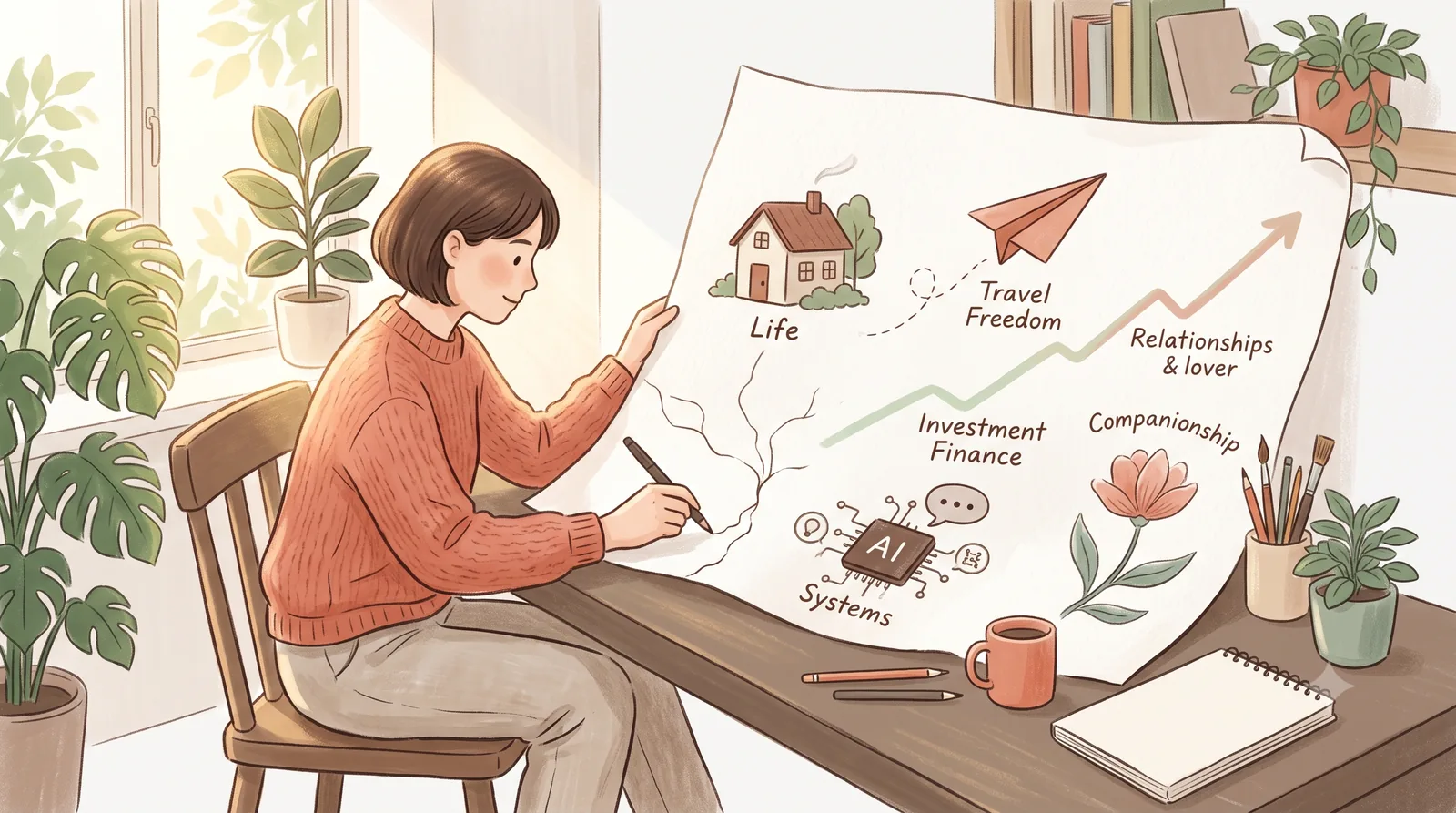
In this guide
You don’t have a productivity problem. You have an operating system problem.
If you run a one-person business, you’ve probably tried every app, template, and “life hack” on the internet. You bought the Notion template. You set up the task manager. You subscribed to the AI tool. And a month later, everything is scattered again — your tasks in one place, your calendar in another, your notes in a third, and your client work somewhere you can barely find.
This isn’t a discipline problem. It’s a system problem. You have a bunch of tools, but no operating system tying them together.
Here’s what a “life operating system” actually is, why the idea keeps coming up, and — most importantly — how to build one for a one-person (or very small) business without drowning in setup.
What is a life operating system?
A life operating system (life OS) is a single, coherent framework that decides, stores, and runs the recurring parts of your work and life. It’s the layer underneath your apps that answers three questions for every task and piece of information:
- Where does this live? (a task, a note, a file, a meeting?)
- What happens to it next? (remember, schedule, delegate, act, archive?)
- How do I know it got done? (a review loop, a metric, a follow-up?)
Think of it like your computer’s operating system: you don’t think about how a file gets saved or when the system runs a process — you trust that it just works, in the background, so you can focus on the actual work in front of you.
A personal life OS does the same for your daily operations. When it’s working, you stop re-deciding the same things every day — where to file this, when to follow up, what to do this morning — because the system already knows.
The core idea: the OS holds the how, so your brain can hold the what and the why.
Why “life operating system” is suddenly everywhere
A few forces are converging, and they explain why you keep seeing this phrase:
- The one-person business boom. More people run solo or micro operations, which means there’s no ops team to hold the process. The owner is the whole company — so the system has to carry more weight than it ever did for a company of one.
- Tool overload. The average solopreneur juggles a task manager, a calendar, a notes app, a document system, and now AI tools on top. Each tool is fine in isolation. Together, without a unifying layer, they fall apart.
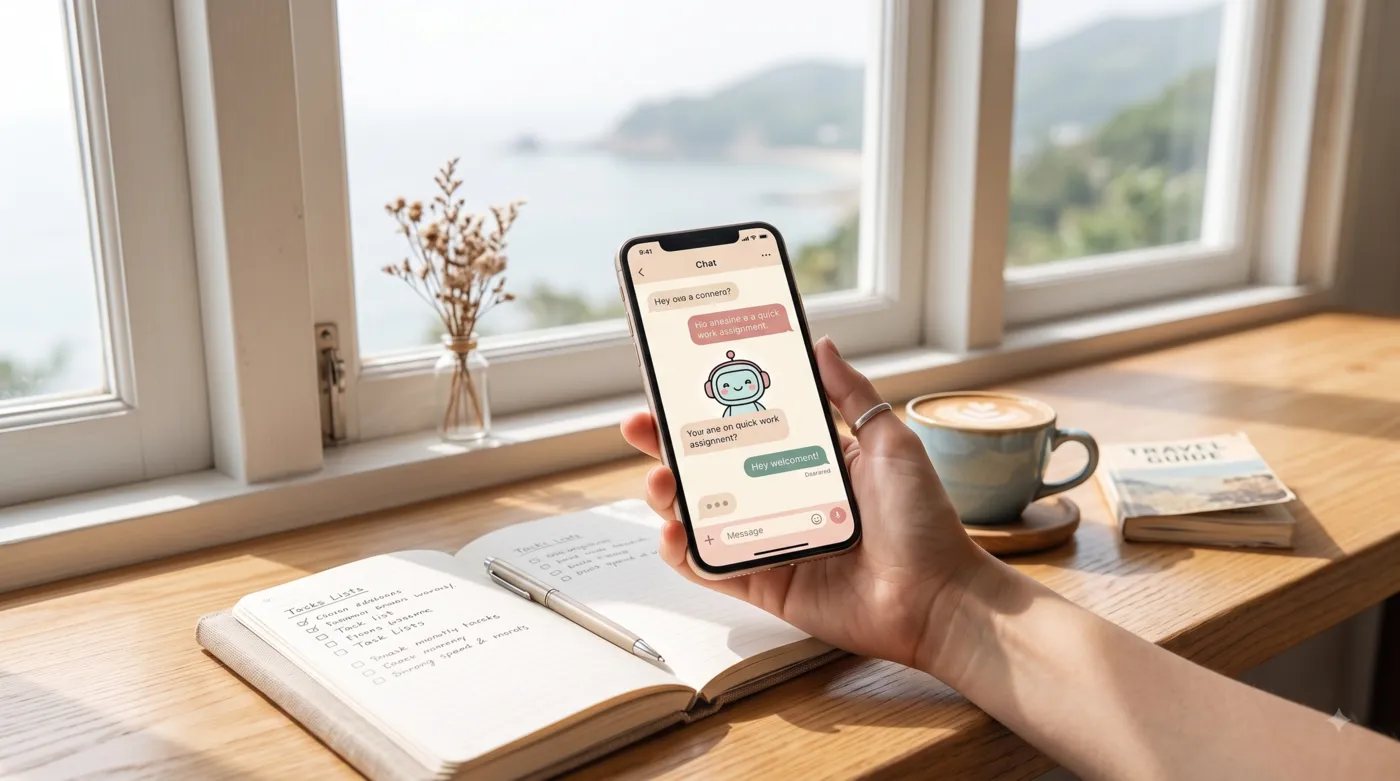
- AI as the missing glue. This is the big one. For years, “life operating system” was mostly an aesthetic idea — a pretty Notion dashboard. What changed recently is that AI can now do the routing, remembering, and follow-up for you. An AI assistant can sit inside your messaging app, hold your context, run your schedules, and call your tools. That turns a dashboard into a system that actually acts.
That last point is the real shift. A life OS used to be a passive template. Now it can be an active layer — which is exactly what products like LaVita Nomad’s LifeOS set out to build (more on that below).
The three layers every life OS needs
When people ask “how do I build a life operating system?”, the practical answer is: you only need three layers, in order.
1. The single inbox (capture)
Everything — tasks, ideas, client messages, notes, links — enters through one place. Not five apps. This is the layer most people get wrong: they capture in six different tools and then wonder why things fall through the cracks.
Start: pick one default capture point (a single chat with your assistant, one notes app, one inbox). Rule: if it’s not in the inbox, you haven’t captured it.
2. The routing layer (decide)
This is where captured things get a destination. It’s the layer that answers “what happens next?” — and it’s where AI is genuinely useful. A well-built routing layer:
- turns a message into a task, a calendar event, a note, or a reply
- files notes where they belong
- schedules follow-ups automatically
- remembers decisions across sessions, so you don’t re-explain yourself
3. The review loop (close the loop)
Systems rot without a review. A daily check (what moved, what’s next) and a weekly review (what’s stuck, what’s actually working) are what separate a living system from an abandoned template. Even a great system needs to be looked at regularly to stay load-bearing.
One-person business: a concrete example
Let’s make it real. Imagine you run a small online service business — you take client calls, deliver work, send invoices, and market yourself. Here’s what a functioning life OS does for you on a normal day:
- A client messages you in your usual chat app → the system captures it, drafts a reply, and books a call slot on your calendar.
- During the call you mention you’ll send a proposal → the system turns that into a task with a reminder.
- You finish a deliverable → the system files it, logs the project note, and schedules the invoice follow-up.
- On your calendar, tomorrow’s review shows: three tasks to do, one follow-up to send, one invoice to chase.
No app-hopping. No “where did I put that?” No forgotten follow-ups. The system runs, and you work.
Common mistakes (and the boring truth)
The most common mistake is setup-as-procrastination. People spend three weekends building the perfect Notion dashboard, then never use it. The dashboard becomes the hobby; the work never gets done.
The second mistake is tool hoarding. A life OS isn’t the one with the most fancy widgets. It’s the one with the least friction that you actually keep using after week three.
The boring truth: the best life OS is unglamorous, and it wins by sticking. Start small, with one inbox and one loop, and expand only when it’s actually holding.
How AI changes the game
The honest upgrade in 2026 is that AI makes the routing and remembering layers feasible for a non-technical person. You no longer have to hand-build every workflow or remember every context — an assistant with memory and tools can carry it.
That’s the specific angle LaVita Nomad’s LifeOS takes: an AI assistant that lives in your messaging, holds long-term memory, pre-deploys your routine modules, and carries out your tasks — deliberately built for one-person businesses and independent operators. If that sounds like what you’re trying to build, the LifeOS page walks through the approach in detail.
But even if you go fully DIY, the framework above — one inbox, a routing layer, a review loop — is the load-bearing core. AI just makes it dramatically easier to run.
Where to start (today, in 20 minutes)
You don’t need to redesign your whole life this weekend. Do this:
- Declare one inbox. Decide where everything lands from now on. (10 min)
- Write the three questions on a sticky note — “where does this live? what happens next? how do I know it’s done?” — and run every new item through them. (5 min)
- Book a 10-minute daily close and a 30-minute weekly review. (5 min)
That’s a v1 life OS. It’s ugly, it’s small, and it will actually run — which is more than most people’s perfect systems ever do.
Life operating system — FAQ
Is a life operating system the same as a note-taking system?
No. Note-taking organizes information; a life OS routes actions — tasks, schedules, decisions, follow-ups. It’s one layer above your notes.
Do I need an AI assistant to have a life OS?
No. The three layers work without AI. AI makes the routing and memory layers dramatically easier, especially for a one-person business with no ops team.
Is “life operating system” just Notion templates?
Templates are a starting point, but a passive dashboard isn’t a system. A real life OS closes the loop — it routes, remembers, and follows up.
Is a life OS the same as a “second brain”?
Related but not the same. A second brain is a knowledge capture system. A life OS adds the action layer on top — what happens next with each piece of information.
I run a one-person business. Is this overkill?
It’s the opposite — it’s the one case where it pays off most. You are the whole ops team, so the system has to hold the process your org would otherwise hold.
About the author: LaVita Nomad helps one-person businesses and independent operators design systems and deploy AI assistants so their daily operations run on autopilot. Written by Kelsi & Aura.